Calculate Adjustment
Calculate Adjustment is a way of correcting and making changes to pay history.
Access Calculate Adjustment
To access from the Button Bar, go to Payroll > Calculate Adjustment

Calculate a Payroll Adjustment
-
Choose the Adjustment Date
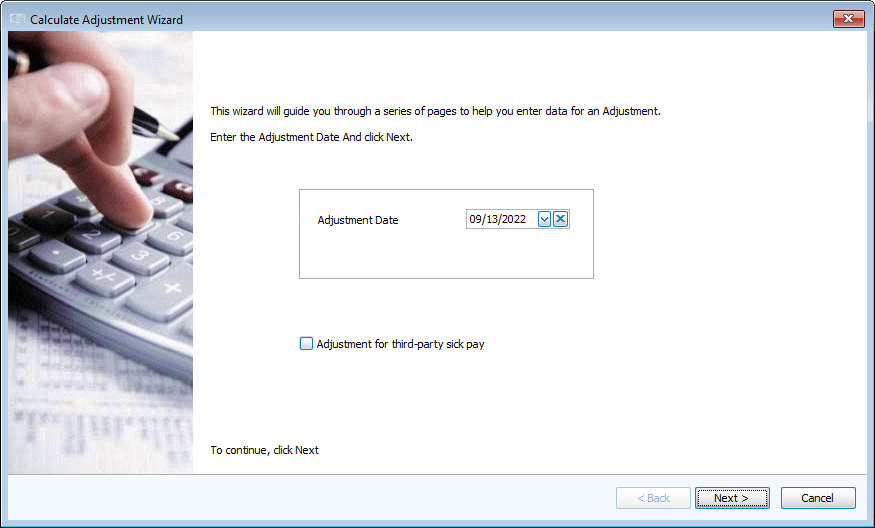
Check the box to make adjustments for third-party sick pay.
-
Filter Payees who require adjustments.

Click Specific to search for names or filter by Pay Type, Pay Period, or Department.
-
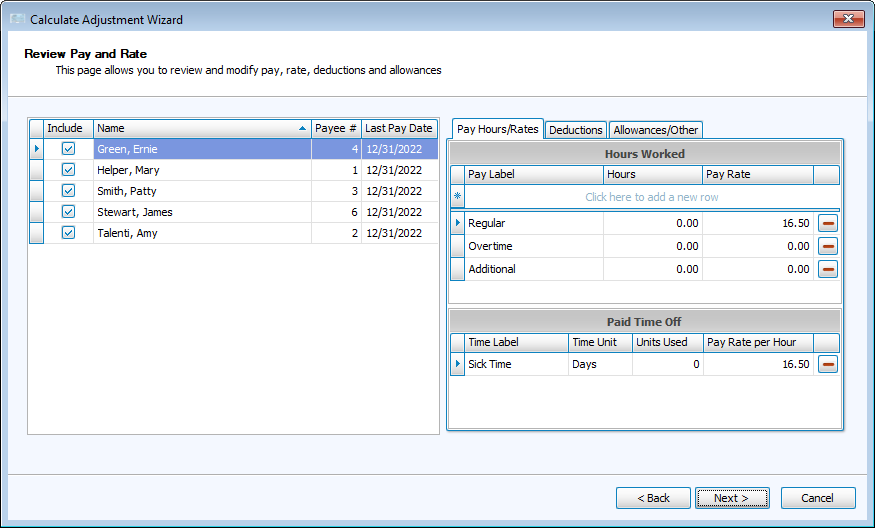
In Review Pay and Rate, you can make any changes needed to hours, pay, rate, deductions or allowances here.
-
Click Browse Payments to review the adjustment calculations.
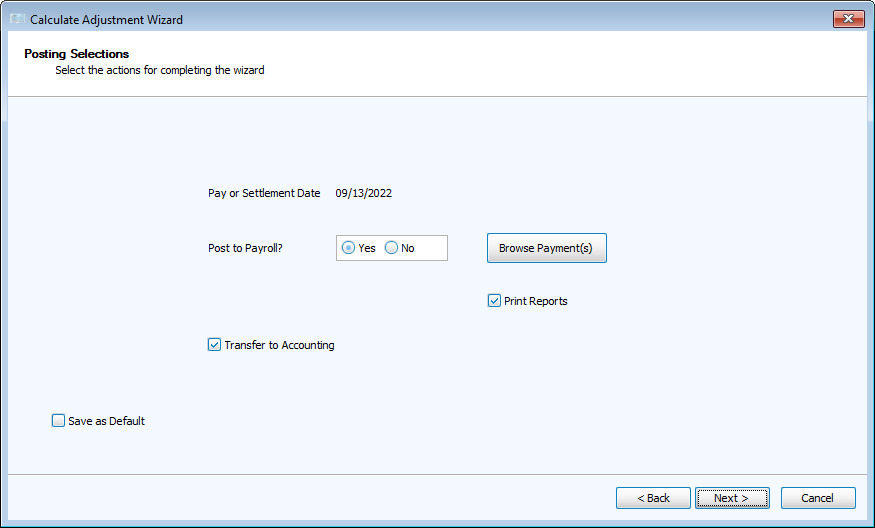
To save the calculation without posting, select No.
-
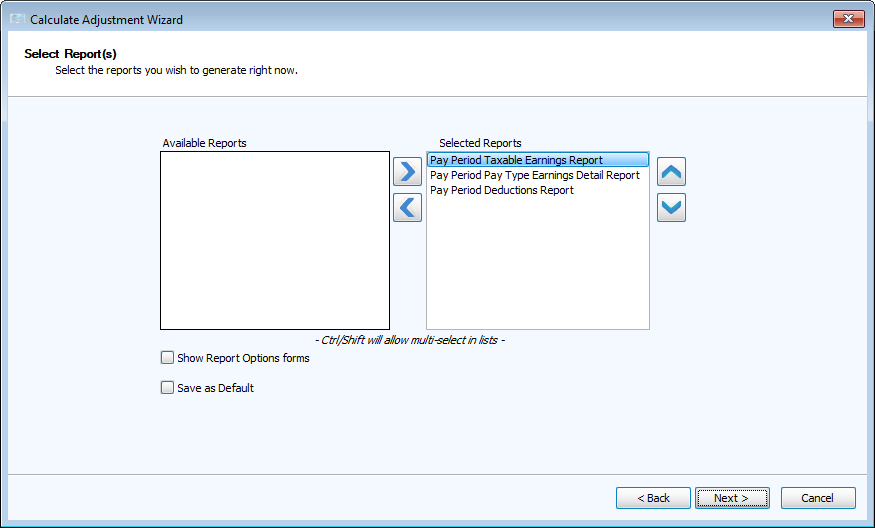
If you elected to Print Reports on the prior screen, choose reports to generate.